Subtitles translated into your language for your IPTV movies and series
This is the feature Velaria Player was born from: watching a French film with Indonesian subtitles, a Turkish series in German or an English documentary in Arabic.
How it works
You choose the language
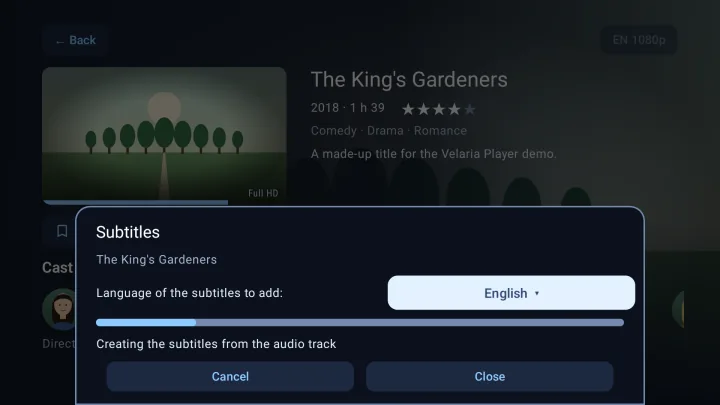
On the page of a film or episode, open the “+” menu, “Manage subtitles”, then pick your language and “Add”. The last language you chose is suggested automatically.
Velaria Player finds the text
First the subtitles already in the video, then those of a large online library, checked against the length and dialogue of your version. If there are none, speech recognition writes them from the audio track, in the language of the video.
It translates, you watch
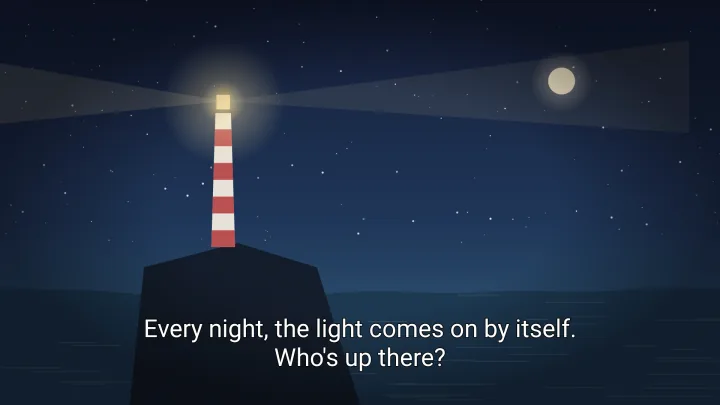
AI translates every line. A bar shows the current step; you can close the window and the work carries on. The subtitles are then selected automatically during playback.
How long does it take?
When subtitles exist, from a few seconds to a few minutes. When they have to be created from the audio, allow roughly the length of the video, just once: after that they are ready instantly, on all your devices, and for the other versions of the same episode.
Ten languages
Subtitles can be translated into the app's ten languages, whatever the language of the video:
- Français
- English
- Deutsch
- Español
- Italiano
- Português
- Türkçe
- العربية
- Bahasa Indonesia
- 中文
With the Velaria subscription
Creating and translating subtitles runs on real servers: that is why this feature requires a Velaria subscription, whose price will be announced at launch. Everything else in Velaria Player is free.
Good to know
- The translation is done by AI: natural and faithful, but not perfect.
- Subtitles created from the audio depend on its quality: loud music or overlapping dialogue makes them less accurate.
- Deleting subtitles and creating them again is very quick: the original text is kept.
Frequently asked questions
Does it work with live TV?
No, only with the movies and series episodes in your subscription.
Do I have to keep the app open?
No. The work is done on our servers: you can close the window, watch something else or switch off the device.
Can I see the subtitles on my other devices?
Yes: once ready, they are offered on every device that plays this film with the same subscription.
Velaria Player on your other screens
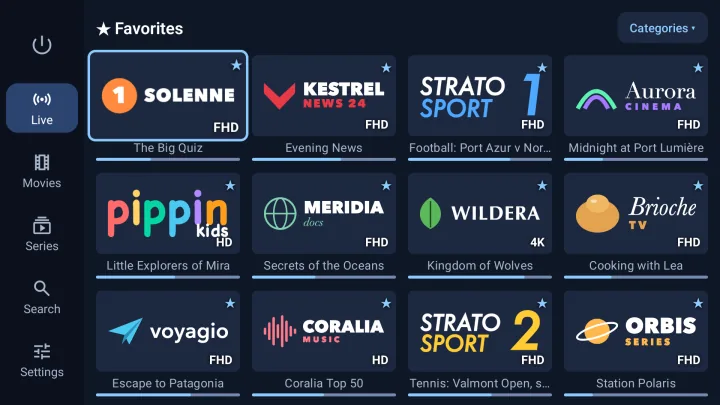
Android TV and Google TV
Built for the remote: big posters, simple navigation, 4K and HDR.
Android TV 8.0 or later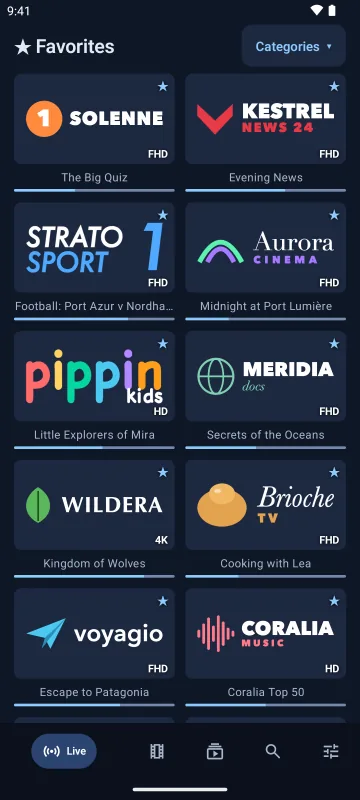
Android phones and tablets
Touch-friendly, bottom navigation bar, M3U playlists by link or file.
Android 8.0 or later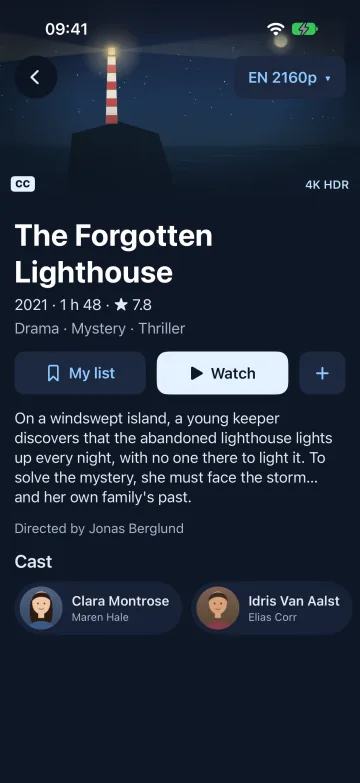
iPhone and iPad
A real iOS app, with a video engine that also plays MKV and HEVC.
iOS and iPadOS 17 or later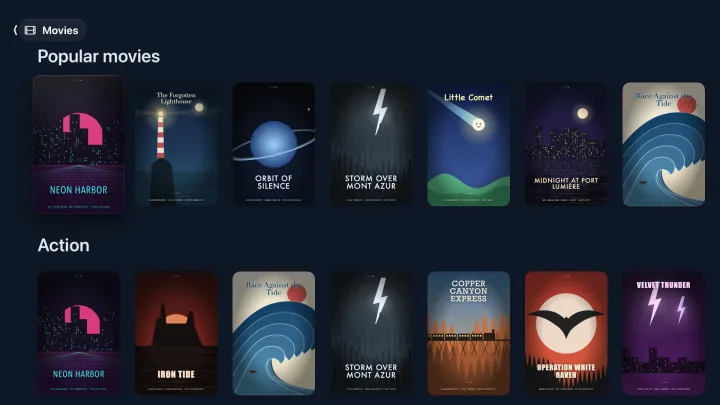
Apple TV
The big screen and the Siri Remote, with the same library.
tvOS 18 or later