Guide: add your IPTV subscription to Velaria Player
All you need is the information your provider sent you: an Xtream Codes login or an M3U link. It takes about a minute.
With an Xtream Codes login
- Open Settings → IPTV source → “+ Add a source”.
- Give it a name, for example “Living room”.
- Enter the server address (with http:// or https:// and the port, for example http://example.com:8080), your username and your password.
- Confirm: Velaria Player checks the login, then loads your channels, movies and series.
With an M3U link
On phones and tablets, choose “M3U link” and paste the link. If it is a “get.php” link with a username and password, Velaria Player turns it into a full Xtream Codes login: movies and series included.
With an M3U file
On phones and tablets, “M3U file” opens a playlist saved on the device. A plain M3U playlist only contains live channels.
On the TV, without typing
Sign in to the same Velaria account on your phone and your TV: a source added on one appears on the other.
Choose what is shown
Settings → IPTV source → Categories: tick the categories to keep in Live TV, Movies and Series.
Several subscriptions
Add as many sources as you like and switch between them in Settings → IPTV source. Each source keeps its own favourites.
Velaria Player is a player: it does not provide any channels, movies or series. Use it with your own IPTV subscription, from a provider that is licensed to broadcast its content.
Frequently asked questions
“Unable to reach the server”: what should I do?
Check the server address (http:// or https:// and the port), your internet connection, and that your subscription is still active with your provider.
Playback stops when I watch on another screen
Many subscriptions allow only one screen at a time. Velaria Player shows the number of screens allowed and your subscription's end date in Settings → IPTV source.
The TV guide is not showing
It comes from your provider. When it does not send it for a channel, Velaria Player says so under its logo.
Where can I buy an IPTV subscription?
Velaria Player does not sell or recommend any. Choose a provider that is licensed to broadcast the channels and films it offers.
Velaria Player on your other screens
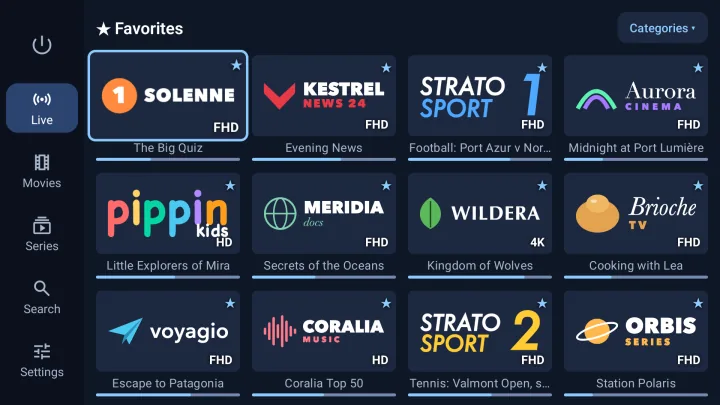
Android TV and Google TV
Built for the remote: big posters, simple navigation, 4K and HDR.
Android TV 8.0 or later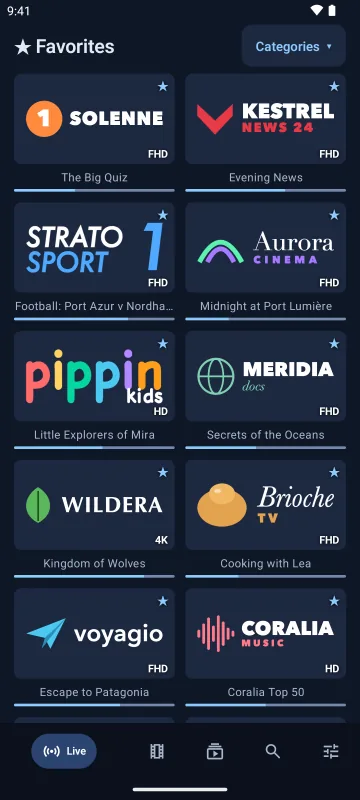
Android phones and tablets
Touch-friendly, bottom navigation bar, M3U playlists by link or file.
Android 8.0 or later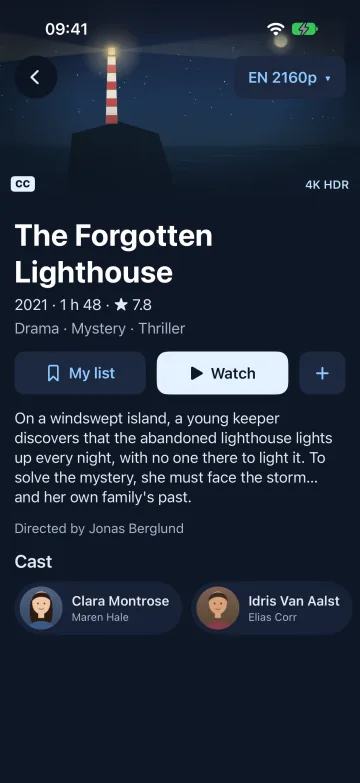
iPhone and iPad
A real iOS app, with a video engine that also plays MKV and HEVC.
iOS and iPadOS 17 or later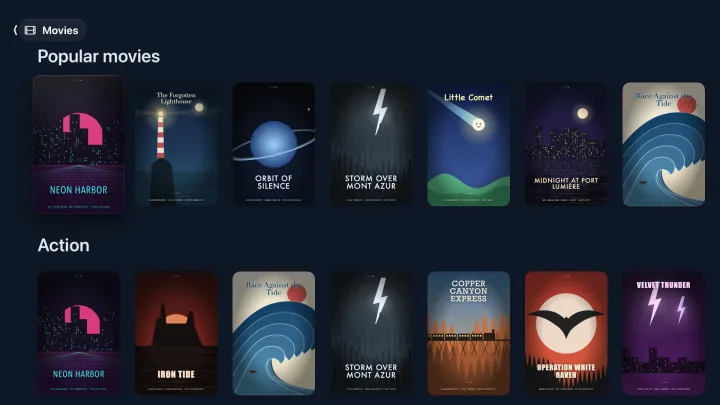
Apple TV
The big screen and the Siri Remote, with the same library.
tvOS 18 or later