Velaria Player, the IPTV player for Android TV and Google TV
On an Android TV set, a Google TV box or stick, Velaria Player is fully controlled with the remote: a few presses to go from live TV to a film, resume a series or add subtitles.
Coming soon to Google Play and the App Store
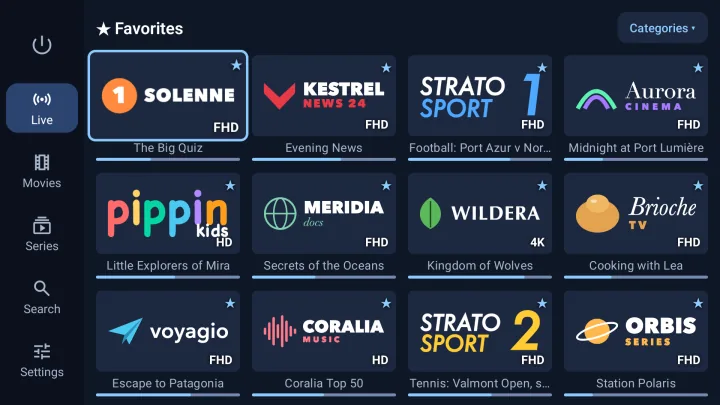

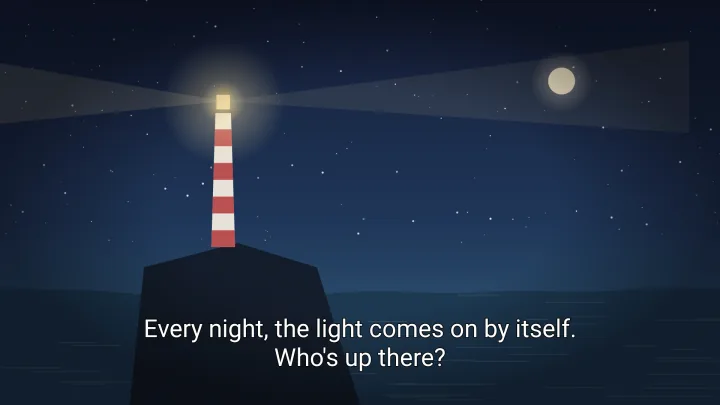

Built for the remote
Every screen starts where you expect it to, a long press on OK adds a channel to your favourites, and the arrows skip forward or back during playback.
Live TV without interruptions
HLS playback when your provider supports it, the programme on now under each channel, and a choice of quality.
4K and HDR
The 4K HDR versions in your subscription are decoded by the TV, and Velaria Player shows the real quality of each version.
A complete video menu
Audio tracks, subtitles, speed, next episode, skip back 10 seconds or one minute.
Translated subtitles
“+” menu on a detail page, “Manage subtitles”, your language, “Add”: that's it.
Compatibility
Android TV 8.0 (Oreo) or later: Android TV and Google TV sets, boxes and sticks. Tested on TCL and Philips TVs.
Installation
Velaria Player is coming soon to the Google Play Store on your TV. Search for “Velaria Player”, install it, then add your IPTV subscription: with a Velaria account, it can even arrive by itself from your phone. Guide
Frequently asked questions
What about a Samsung or LG smart TV?
Velaria Player is not available for Tizen (Samsung) or webOS (LG). Plug a Google TV box or stick, or an Apple TV, into your TV.
Do I need a keyboard to add my subscription?
No. The remote is enough, but the easiest way is to add the subscription on your phone: with a Velaria account, it appears on the TV.
Velaria Player on your other screens
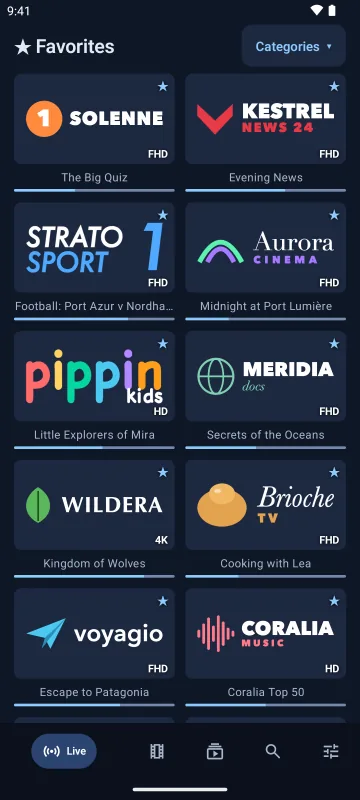
Android phones and tablets
Touch-friendly, bottom navigation bar, M3U playlists by link or file.
Android 8.0 or later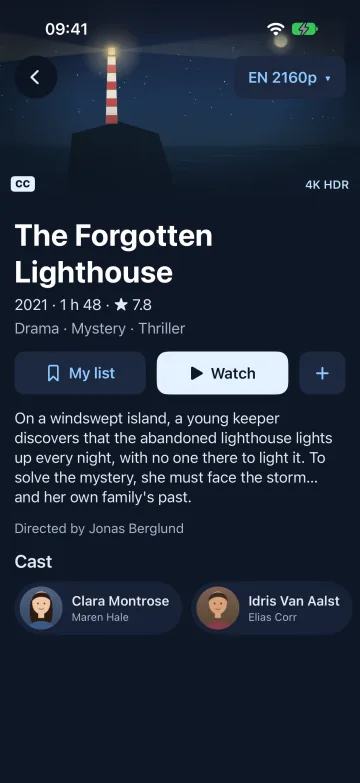
iPhone and iPad
A real iOS app, with a video engine that also plays MKV and HEVC.
iOS and iPadOS 17 or later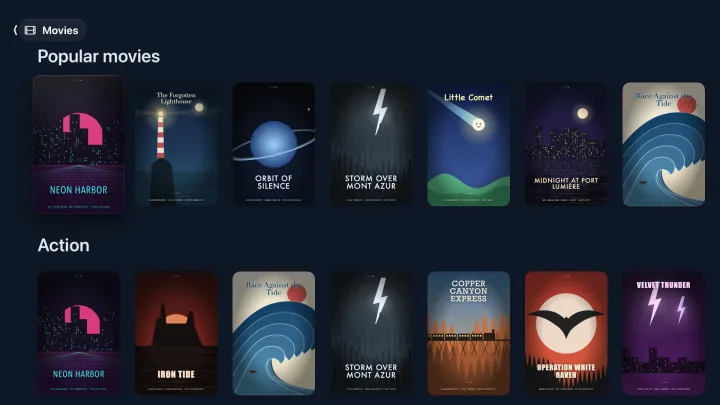
Apple TV
The big screen and the Siri Remote, with the same library.
tvOS 18 or later