Velaria Player, the IPTV player for Android phones and tablets
Your IPTV subscription in your pocket: live TV, movies and series with the same comfort as on the TV, designed for your fingers.
Coming soon to Google Play and the App Store
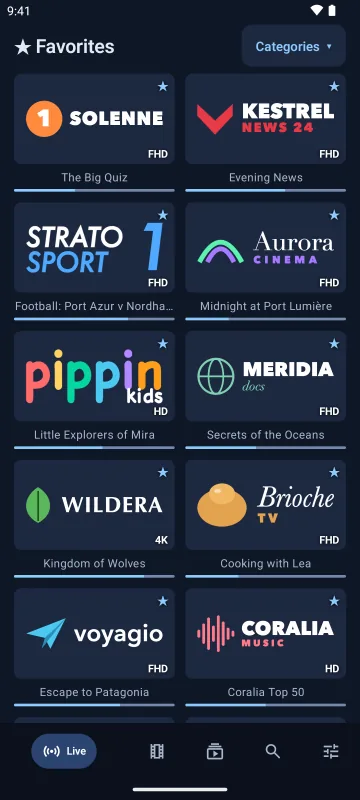


Simple touch navigation
Bottom navigation bar, big posters and detail pages you can read at a glance, in English as well as in Arabic.
Xtream Codes, M3U link or M3U file
Enter your login, paste your provider's link or open an M3U file saved on the device.
Full-screen video
The app stays in portrait; turn your device to watch in landscape.
Open in VLC
Copy a stream address or open it in VLC in one tap.
In sync with your TV
Start a film on the sofa, finish it on the train.
Compatibility
Android 8.0 (Oreo) or later, on phones and tablets.
Installation
Velaria Player is coming soon to the Google Play Store. Then add your IPTV subscription in Settings → IPTV source. Guide
Frequently asked questions
Can I use an M3U playlist?
Yes, by link or by file. A “get.php” link with a username and password is automatically turned into a full Xtream Codes login, movies and series included.
Can I watch on my phone and TV at the same time?
Velaria Player allows it, but providers often limit the number of screens: check how many your subscription allows.
Velaria Player on your other screens
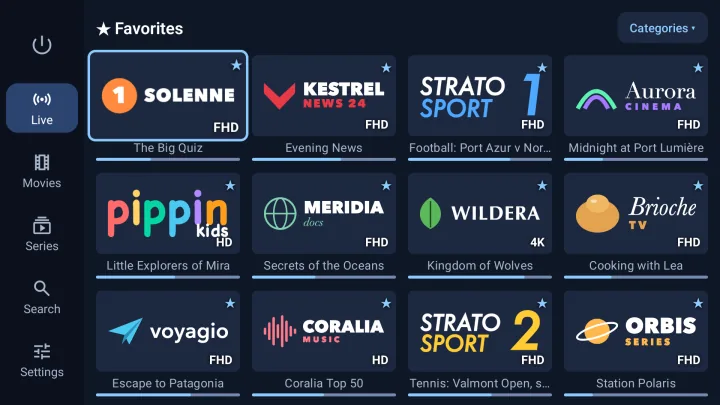
Android TV and Google TV
Built for the remote: big posters, simple navigation, 4K and HDR.
Android TV 8.0 or later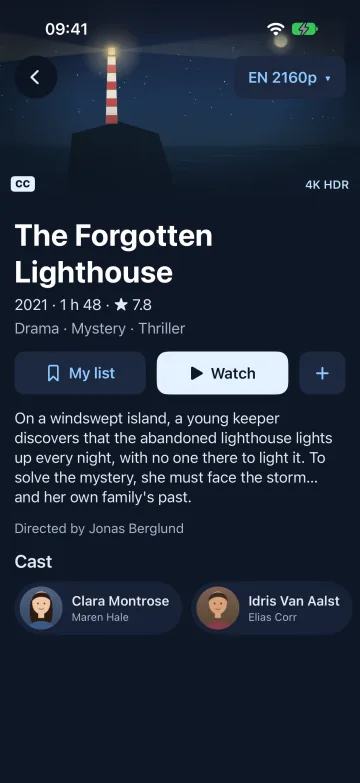
iPhone and iPad
A real iOS app, with a video engine that also plays MKV and HEVC.
iOS and iPadOS 17 or later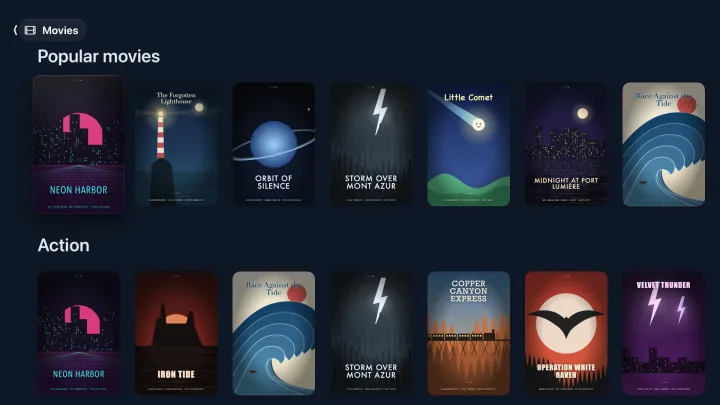
Apple TV
The big screen and the Siri Remote, with the same library.
tvOS 18 or later